2010
08.30

You are invited to attend the Technology Bytes monthly gathering/meet-up. We’ll be descending upon at The Coffee Groundz, located 2503 Bagby, in Houston, TX.

The Coffee Groundz offers a diverse menu of coffees, teas, beers, wines and even well drinks and most important of all, FOOD AND FREE WI-FI!!!.

The event starts around 7:30 and goes until ?

You don’t have to be a geek to attend. Heck, you don’t even have to be a current listener of the show. This event is a casual meet-up for anyone interested in technology or social media in all its forms and a great opportunity to just hang out with like minded individuals.

There is no need to RSVP, but if you have a Facebook account you can let us know you’re coming at the Facebook Event Page

The Geek Gathering has been happening the first Friday of the month since February of 2002 and is always a good time.

We hope to see you there!

2010
09.02

Podcast for Sept. 1st, 2010

 
icon for podpress  Technology Bytes Podcast for Sept. 1st, 2010 [119:22m]: Play Now | Play in Popup | Download (290)
2010
09.02

There’s a long weekend coming up, and while many of you may be out of town, the majority of the Tech Bytes crew will be holding things down in Houston at the Coffee Groundz this Friday. Things start a little after seven at 2503 Bagby at McGowan. WiFi and Geeky camraderie are free, but the coffee, beer and eatz will cost you. Parking violations and towing fees can also make a dent in your wallet, so be sure to not park along McGowan directly in front of the coffee shop if you do come out Friday night.

You can find more information about the Coffee Groundz, as well as a couple of pictures from our past Geek Gatherings on their main page at www.coffeegroundz.net. And of course, you can get always all the details at www.geekradio.com, along with some pictures of phliKtid the Coffee Groundz has yet to grok.

Now, even though the Geek Gathering is on for the weekend, pretty much everything else of a techy nature is off.

VB Programming at HAL-PC? Cancelled.
The Basic 101 Seminars at HAL-PC? Cancelled.
Samba and Network Administration? Cancelled.
And Monday’s Chief Architect Special Interest Group Meeting? Cancelled.

So what to do with all the extra time and no user group meeting to go to?

Well, you always could use the long weekend to improve your hacking skills. Gone are the days when a hacker was forged from equal parts curiosity, technical prowess and thousands of hours at the keyboard. With the advent of YouTube, you, too, could become an uber hacker in only a matter of minutes; just four minutes and twenty six seconds, if all you want to do is view other people’s IP addresses. That’s right, in just under five minutes, NextGenHacker101 will walk you through using the leet hacker tool Tracer-T to see who’s connecting to a particular website, their IP addresses and their connection speeds.

If you haven’t seen this video yet, you’re really missing out on some excellent mis-information. The joke is that Tracer-T doesn’t really do any of the things that NextGenHacker101 believes – it simply shows each piece of network routing equipment that sits between you and a particular host on the Internet. If you want to check out the tools that *really* get the job done, carve out some time this weekend to get familiar with the following current gen hacker toolkits:

Pin-G: Pin-G is installed by default on most modern operating systems as well as a few ancient ones. To use it, simply type in Pin-G, spelled p i n g, onto the command line followed by the IP address of the computer you’d like to hack. You’ll immediately see if that computer is reachable from your own, as well as a report on how much lag may exist between you and the target. You can even use Pin-G to build other more nefarious attacks like Smur-F or Floo-D.

OK, now that you’ve determined that your target exists, you’ll want to see what kinds of Internet Aware programs it may be running. To do that, we’ll need to reach for the next tool in our arsenal, Inma-P.

Inma-P is a free network security scanner that can do things like list the open ports of a particular computer on the Net or even detect the operating system of a remote host. All in all, it’s a very robust and powerful tool. Inma-P comes installed by default on many Unix based operating systems, and is available for download for Windows, Mac and other Operating Systems at n m a p . org. To use Inma-P, type n m a p onto the command line followed by the IP address we used in our previous example. Using it like this, in its most simple form, will yeild a list of open ports on the target computer.

So, Now that you know what kind of services are running on your target, you may want to capture some of that traffic to see what’s really going on.

We’re getting away from the command line now and going graphical. After all, the Internet is a series of tubes and you’re going to need to crawl up a couple of them if you’re truly going to make the metamorphosis into a l33t haxor. And as all hackers know, the command line is not for crawlers: we’re going GUI on this one.

The last tool of the evening is called Wireshar-K. It’s a packet capture tool that will allow you to save and inspect the individual packets traveling over your local network segment. If nothing else, use of this tool will scare you into using end-to-end encryption whenever possible. That means using https instead of http in your URLs and using products such as PGP or GPG to encrypt email and attachments.

Of course, all of these next gen hacker tools have real world counterparts. Ping, nmap and Wireshark all all great network diagnostic tools with legitimate uses: they can give an experienced network admin quite a bit of detail about what’s actually happening on their network at the packet level. If you do spend some time with them this weekend, be sure not to direct your next gen attacks at anyone other than yourself, as many servers run Network Intrusion Detection Systems and don’t appreciate being scanned.

That’s it for this Next Gen Hacker Fourty One One and that’s that for BarretTime.

2010
08.31

Airbak Backpacks

Even though technology seems to be shrinking everything from laptops to cameras, it still seems that the load we have to carry around is getting heavier and heavier. And as I get older, my ability to just sling a bag over my shoulder and head out is rapidly diminishing.

About a year ago I broke down and purchased a backpack that has compartments for my camera gear as well as a laptop. Overall this works pretty well and makes it easier to lug my equipment from one location to another. But it’s still cumbersome and doesn’t take long before I am feeling the strain.

That’s why I was very interested and excited to check out one of the backpacks from Airbak.

Airbak has developed backpacks that feature a unique system known as Air Bladder technology which causes the majority of weight in the backpack to be lifted off the upper back/shoulders and spread it across the entirety of the back.

It’s a very clever design, and one that work quite well. I picked up the Airbak Focus which has enough room for my camera and several weighty lenses along with a compartment for my laptop. When I put the backpack on my back I immediately noticed that the weight was much more evenly distributed than my previous backpack. The air bladder system actually seems to make the backpack full of gear weigh less, which is due to how it distributes the weight. I even reloaded my old backpack with the same gear put it on for comparison.

And the backpack is very well made. The stitching is strong and the materials are the same you would find in any of the other name brand bags you find in stores today.

Airback offers a wide variety of sizes and styles on their Web site and each bag comes with limited lifetime warranty, so it would appear they’re serious in their commitment to quality.

2010
08.27

Podcast For Aug. 25th, 2010

 
icon for podpress  Technology Bytes Podcast For Aug. 25th, 2010 [119:22m]: Play Now | Play in Popup | Download (507)
2010
08.20

Podcast For August 18th, 2010

 
icon for podpress  Technology Bytes Podcast For August 18th, 2010 [119:22m]: Play Now | Play in Popup | Download (623)
2010
08.19

You can download the original or view entries in the Photoshop contest album in the Photos section. If you don’t have a place to host your image and link it in a comment, just email it to peter **@* geekradio . com and I’ll post it for you.

2010
08.17

Give Me That Old Time Religion

On a lark, I decided to see if I could get Windows 3.11 running in Parallels on the MacBook Pro. Installing DOS 6.22 and then Windows 3.11 was fairly straightforward after I located install disks on the Internet that were in .IMG format so that Parallels could mount them and install.

The more difficult part was getting TCP/IP up and running so that Windows 3.11 could access the Internet via the MacBook’s connection. All it took was downloading and installing TCP/IP-32 3.11b for Windows for Workgroups and configuring the TCP/IP stack for DHCP. After that I found a copy of Internet Explorer 5 which loaded right up.

Windows 3.11 on a MacBook Pro

And to show this is not just a screen shot of a static page, here is a photo of the Macbook using Windows 3.11 to ping the Apple web site

Windows 3.11 on a Macbook Pro

Unfortunately I have been unable to find video drivers that will give me anything more than 16 colors at 800×600 resolution. And no sound, either. Still, it was a fun project!

2010
08.07

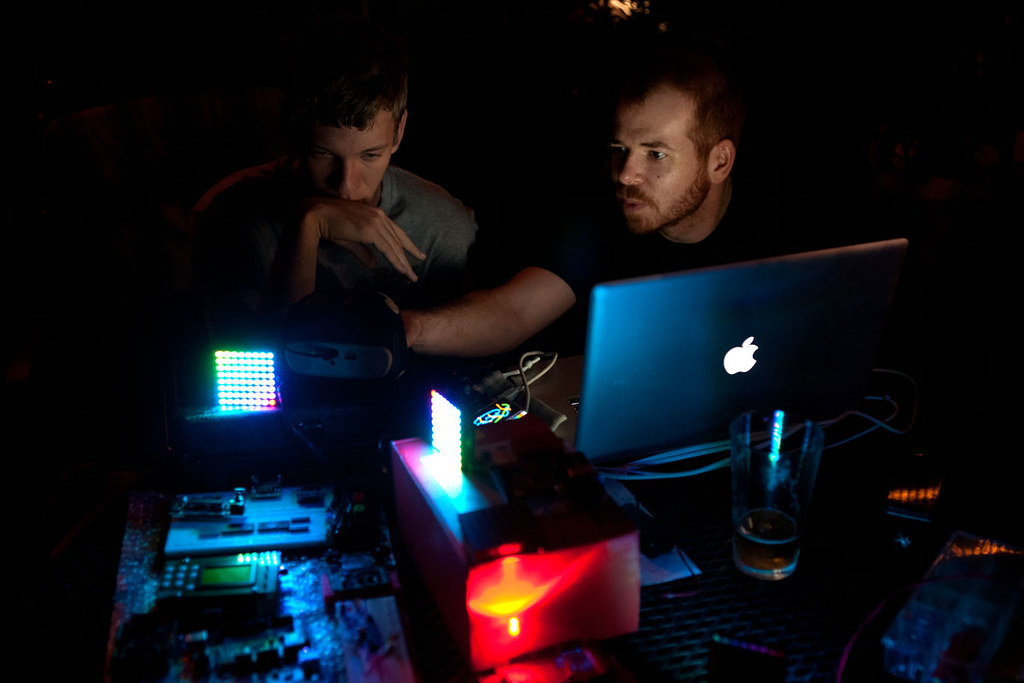
Not a lot of photos as we were having so much fun and the camera stayed in the bag most of the night.

Eat A Pager

Geek Sillouette

Flash Destroyer

A few more in the gallery here.

2010
08.05
 
icon for podpress  Technology Bytes Podcast For August 4th, 2010 [119:22m]: Play Now | Play in Popup | Download (783)